Migration8 min readUpdated
Affinity to Attio migration: step by step for a fund
An Affinity to Attio migration runs in six steps: export, schema, unique values, records and lists, notes, and checks before cutover. Attio's CSV importer cannot import notes, so notes move through Import2 or the Attio API.



Part 01
How does an Affinity to Attio migration work?
Checked against Attio and Affinity documentation on 19 November 2026
An Affinity to Attio migration runs in six steps, in a fixed order.
- Export from AffinityOne saved view at a time.
- Build the schema in AttioBefore any data arrives.
- Give every row its unique valueA domain per company, an email address per person.
- Import records, then listsCompanies, people, deals, then list entries.
- Move the notesThrough Import2 or the API.
- Check before cutoverAffinity stays live until then.
Part 02
Which route fits: Import2, CSV import or the API?
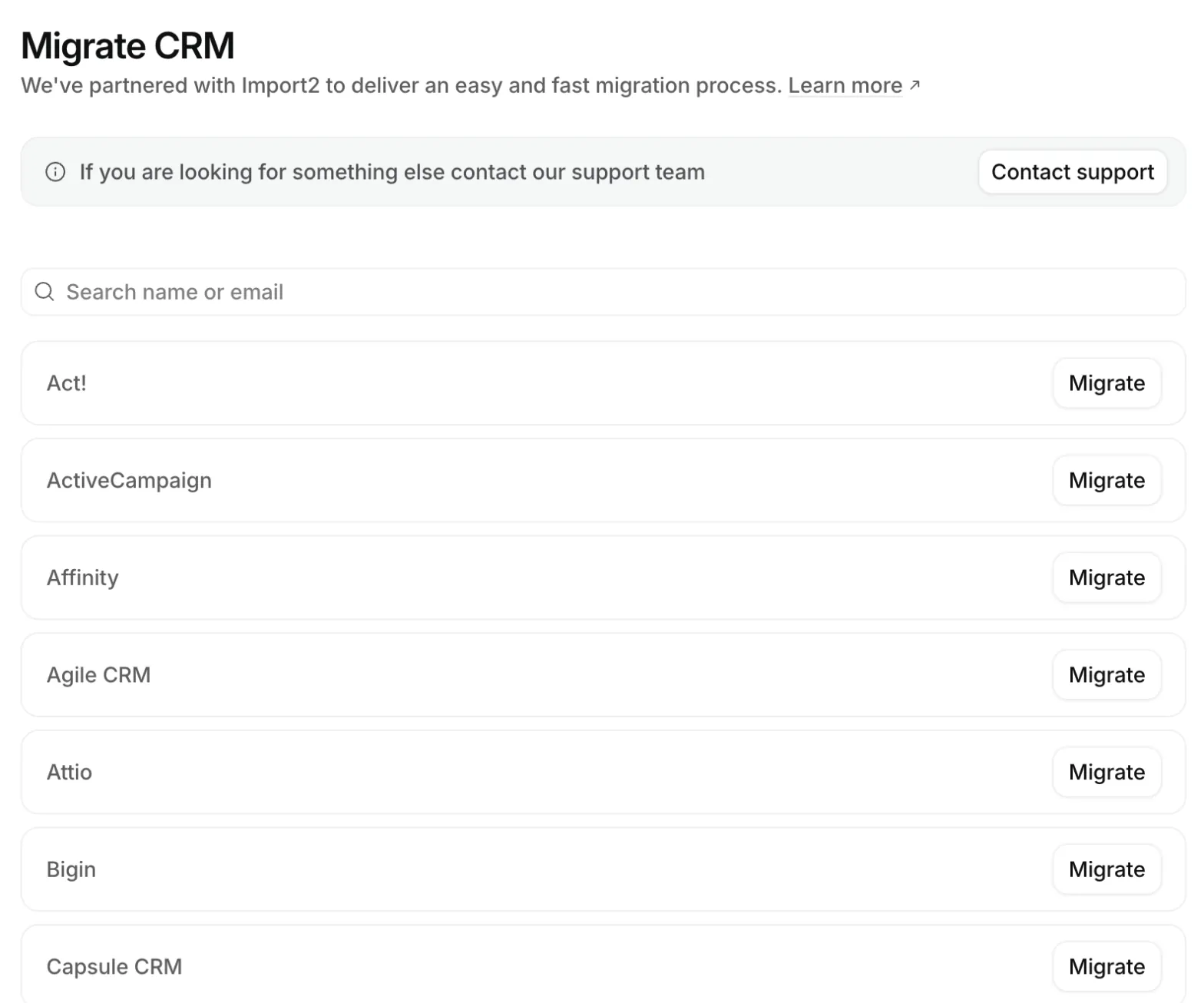
Most fund migrations we see combine two of the three routes Attio documents. Its migration page confirms one split: "If you migrate records and lists via CSV, you can still use Import2 to migrate notes."
| Point |  Import2 |  Attio CSV import | Attio API |
|---|---|---|---|
| Records | Companies, people, deals, custom objects, tasks and files | Yes | Yes |
| List entries (your pipelines) | No. Attio says "you will need to use the CSV importer instead of Import2" | Yes | Yes, by upsert |
| Notes | Yes | No, and no tasks | Yes, with the original date |
| Updates existing records | No | Yes, matched on a unique attribute | Yes. An upsert matches a chosen attribute, so a script can run twice without duplicates. |
| Volume | "a record count equal to about 40% of your monthly API allotment in a single calendar month" | 100,000 rows, 100 columns and 100 MB per file | 25 writes per second (rate limit) |
| Needs | Attio Plus or above, an Attio admin, and Affinity API access, which Affinity offers on Scale, Advanced and Enterprise only (API FAQ) | Any Attio plan | A developer to write and test the script |
| Best for | Notes, after a CSV import of records and lists | A few clean files that someone checks by eye | Many lists, mapping rules, notes, or a rehearsal in a test workspace that you repeat on cutover day |
Part 03
What is missing from an Affinity export?
Affinity exports one saved view at a time, with only that view's columns. Add every column you need to the view first.
| Data |  Affinity export |
|---|---|
| Records | Yes. In the list, click Export, then Export view as CSV. A download link arrives by email. |
| Notes | Yes, separately. In a list view, click the Export icon, then Export all notes in view. It covers the entries in that view. |
| Crunchbase fields | No |
| Connections column | No. "The Connections column will not export any data at the moment." |
| Lists of custom object records | Not yet |
| Notes the exporting admin cannot access | Not in the bulk export. Assume the same for list exports, and choose who exports. |
| Email bodies | No. They "are not available through the API", only metadata. Attio syncs past and new emails when members connect a mailbox, so set the privacy rules first. |
Part 04
Build the schema in Attio before you import
Map each Affinity column to a spreadsheet row, then create the objects, attributes (Attio's word for fields) and lists. The importer can create a missing attribute, but only on the object or list you import into.
| Affinity | Attio | Decision to make |
|---|---|---|
| Organizations | Companies object | Every row needs a domain |
| People | People object | Every row needs an email address |
| Opportunities | Deals object | Which company and which people each deal links to |
| A list (deal flow, LPs, portfolio) | A list on one object, created from the + beside Lists in the sidebar | One Attio list holds one object |
| Status column of a list | A status attribute on the list | Final stage names, in order, typed exactly as in the export. The importer matches them by label. |
| Other list columns | List attributes, or object attributes | Does the value describe the company everywhere, or only in this pipeline? Per Attio's attribute docs, "list attributes are specific to a single list and cannot be used outside of it." Teams skip this row most often. Our guide to the Attio data model for funds covers it. |
| Smart Fields | Not migrated | Attio's migration page says to "exclude Affinity's Smart Fields from your migration". |
Part 05
How does Attio match companies and people on import?
Attio matches companies on Domain and people on Email address (introduction to importing). A row without that value "can still be imported but won't be enriched or checked for duplicates."
- 600 companies, no domain
- 600 unmatched recordsAttio cannot match them to anything, including later email history.
- Usual gaps in a fund
- Stealth companies, holdingsAlso angels with an old personal address. Fill each gap, or accept it on purpose.
- Person to company
- Person > Company > DomainsA direct mapping is not possible. Person > Company > Record ID also works. A linked company without a domain becomes a new record.
Part 06
What are Attio's CSV import limits?
Each CSV file takes up to 100,000 rows, 100 columns and 100 MB. Test each file with twenty rows first, because we found no revert function for a finished import.
- Where
- Import / Export > Import CSVTop right of the object under Records or the list under Lists. Then Upload file, Map columns, Review values, Preview import, Run import.
- Select and status
- Matched by labelCase does not matter. Create missing select options adds new ones.
- Empty cells
- SkippedThey never overwrite data, so a re-import cannot blank a field.
- Existing list entries
- Update existingUpdates them without duplicates. Add again adds duplicates.
- Running import
- Cancel itFrom the Import history tab.
- Finished import
- Fix by handDelete the records it created, then import again.
Part 07
How do you move notes from Affinity to Attio?
Notes move through Import2 or the Attio API, after their records exist. Attio says: "It's not currently possible to import tasks or notes via CSV file."
- Import2
- Migrates notesAlso after a CSV import of records and lists.
- API
- One call per noteCreate a note takes the record, a title and plain text or Markdown.
- Original date
- created_at"if you wish to backdate a note for migration or other purposes, you can override with a custom created_at value." Without it, a 2021 note shows today's date.
- Images
- Not through the APIIts Markdown format cannot add images inside notes.
- Order
- Notes go lastEach note needs an existing record.
- Who sees notes
- Every workspace memberDecide what happens to private Affinity notes first.
Part 08
What should you check before cutover?
Cutover is the day the team stops writing in Affinity. Keep both systems running until every check passes.
- Record counts per object match the export, and every difference has a reason.
- Entry counts per list match, stage by stage.
- Missing domains and emails are only on rows you accepted.
- Twenty records picked by the investment team look right: owner, stage, linked people and deals.
- Notes show their original dates, on the right records.
- Mailboxes are connected at the agreed sharing level, and the workspace blocklist is in place.
- List access is set for sensitive lists such as LPs.
- The Affinity exports are archived where the fund controls them.
- A read-only date for Affinity is set, and everyone knows it.
Part 09
Migrating to Attio from Airtable or a spreadsheet
We moved a venture fund from Airtable to Attio this way. Most of the work was adding domains, because Airtable allows a company without one.
 Airtable
- Open the menu next to the view name and click Download CSV. Each view and each table is its own file.
- Attachment fields export as a file name and a URL.
- Check how linked records were written. Attio needs the domain or email of each linked record.
A spreadsheet
- Free text is the risk. "Passed" and "Pass (too early)" become two select options if the importer creates them.
- Clean the values to a fixed list first.
FAQ
Frequently asked questions
Can Attio import notes from Affinity?
Not by CSV. Notes move through Attio's API, which can keep the original date, or through Import2, Attio's migration service on Plus and above.
Can Import2 move Affinity lists into Attio?
No. For records in lists, Attio says "you will need to use the CSV importer instead of Import2".
Does email history move from Affinity to Attio?
No. Affinity's API gives no email bodies, but Attio syncs past emails when each member connects a mailbox.
Sources
Sources
Vendor documentation, checked on 19 November 2026. Limits and plan rules change, so confirm them before you plan around them.
- Attio: Migrate data from another CRM
- Attio: Introduction to data importing
- Attio: Import data into Attio via CSV
- Attio: CSV import formatting guide
- Attio: View and manage CSV imports
- Attio: Troubleshooting CSV imports
- Attio: Create lists
- Attio: Create and manage attributes
- Attio API: Upsert a record, Upsert a list entry, Create a note, Rate limiting
- Affinity: How to export data from your Affinity lists
- Affinity: How to export notes from Affinity
- Affinity: Getting started with the Affinity API and API reference, emails
- Airtable: Getting started with Airtable views
Have your migration scoped before you export a single file.
In the free Attio audit we review your Affinity lists and fields, design the Attio schema with you and pick the route: Import2, CSV or the API. The Attio migration then has one fixed price, agreed before we start.
Book a free Attio audit-
 AttioPrivacy
Attio email privacy: a setup for investment funds
Mailbox sharing levels, access requests and blocklists, with a setup for partners, LPs and legal counsel.
8 min read -
 Attio
 n8nAutomation
Attio workflows vs n8n: where each automation should run
Attio workflows vs n8n: the documented limits, credits per plan, and a decision table for each fund automation.
8 min read -
 AttioDevelopment
Attio App SDK: what you can build and when it is worth it
Record actions, widgets, pages and workflow blocks, the platform limits, and the call brief app we built as the example.
5 min read
Comparisons: Best CRM for venture capital firms, Best CRM for family offices, Attio vs DealCloud for private equity.